
Ward permissions let trusted players change your personal portal's destination.
Inside an active ward, a permitted player can reconnect a personal portal when both that player and the portal's owner have ward access. The destination list belongs to the portal's owner. Traveling through a personal portal normally remains possible for visitors, but a preserved base restricts its personal portals to their Steam owner.
Guild Access
Guild members can access portal destination and name and change it.
Personal Portals save permissions by steam ID. If any of your characters are in a guild then all members of those guilds can change portal target and tag.
This applies regardless if the portal is in a ward or not.
Best Practices for Teams
Efficient use of Personal and Public Portals can significantly enhance teamwork and exploration:
Personal Portal Management
Each team member should construct and maintain one Personal Portal.
Assign one player as the "portal master" to manage additional Personal Portals at bases and outposts.
Team Strategies
Using the Portal Master’s Network:
Team members can connect to remote locations through the portal master’s Personal Portals.
Remote Portal Setup:
Set remote portals to target the home base.
Warded remote portals can be modified by teammates with permissions.
Exploration Setup:
Place temporary Personal Portals when exploring new areas.
The portal master can later rebuild and integrate these into the main network using their Steam ID.
Conclusion
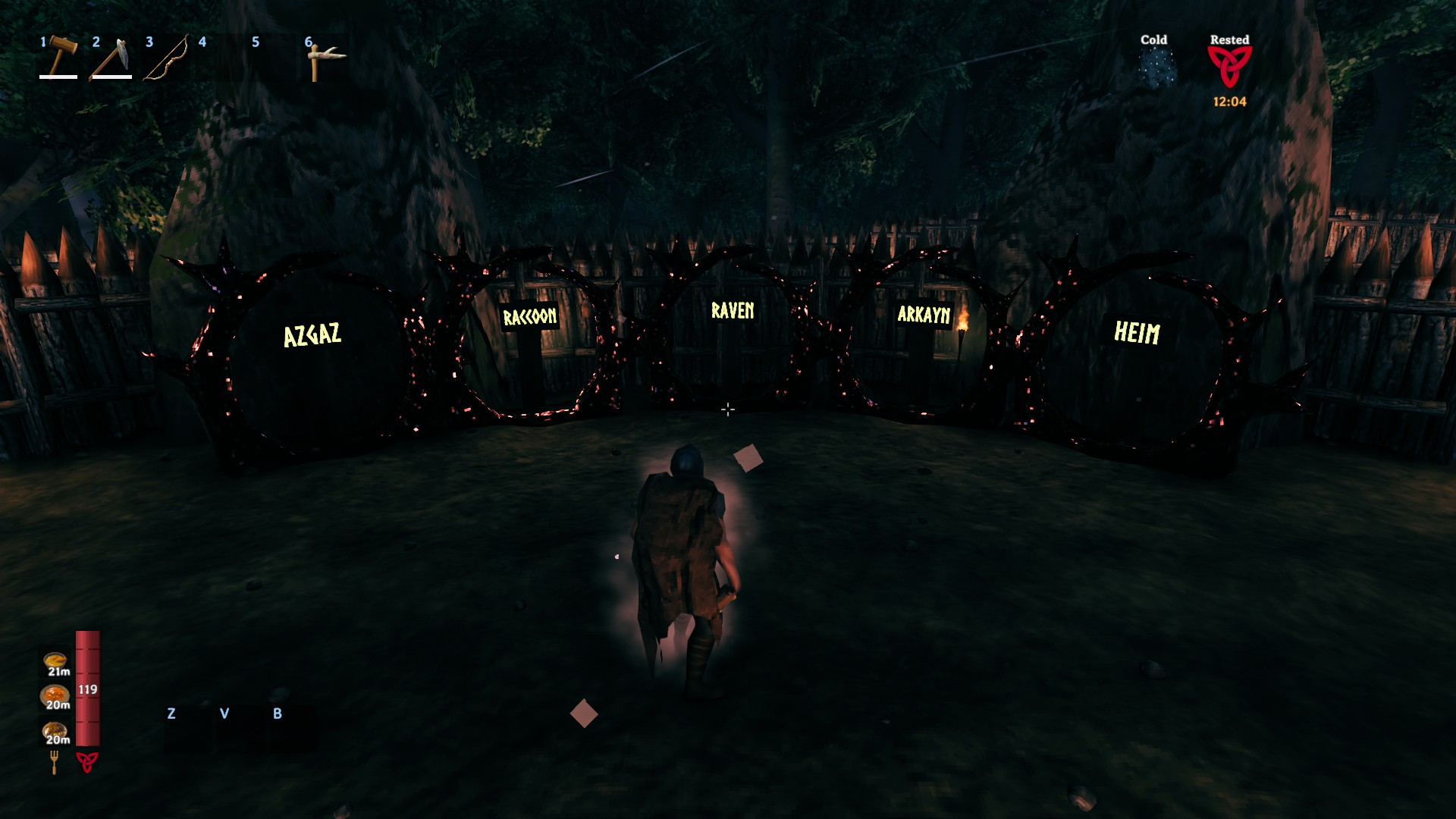
By mastering the mechanics of Personal and Public Portals, players can create an efficient teleportation network. Teams can further enhance their connectivity by designating a portal master to oversee the system, ensuring seamless exploration and resource management.